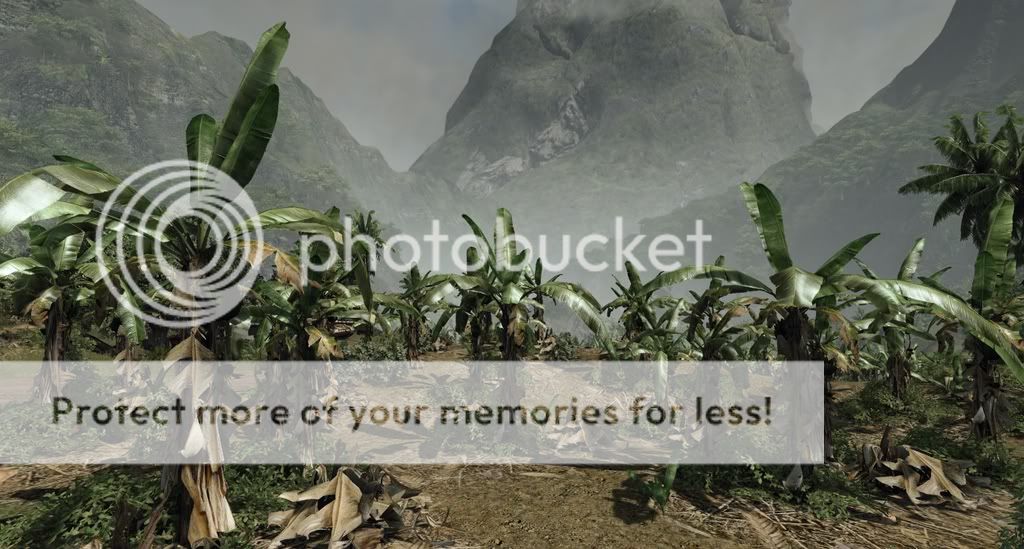
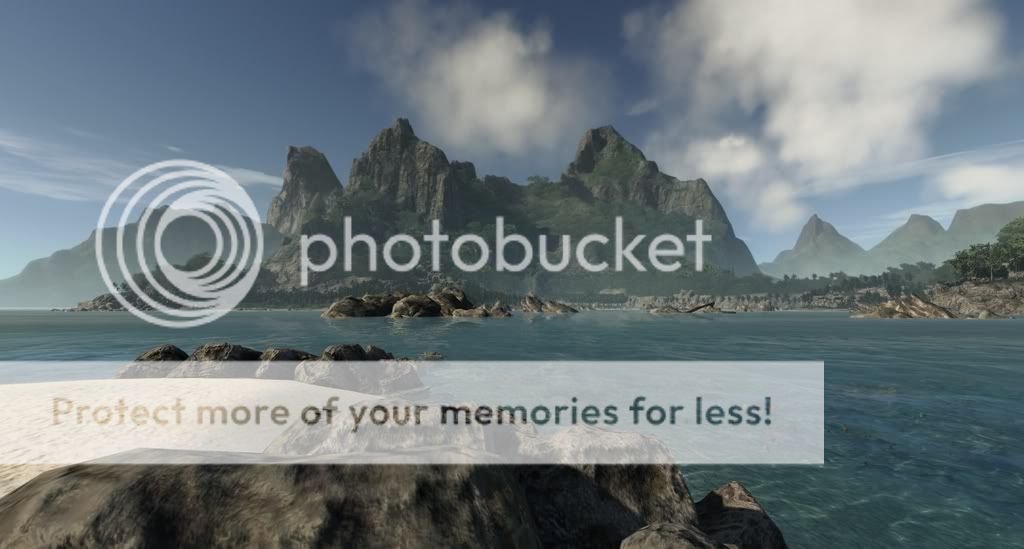
These are in game shots
===============================================

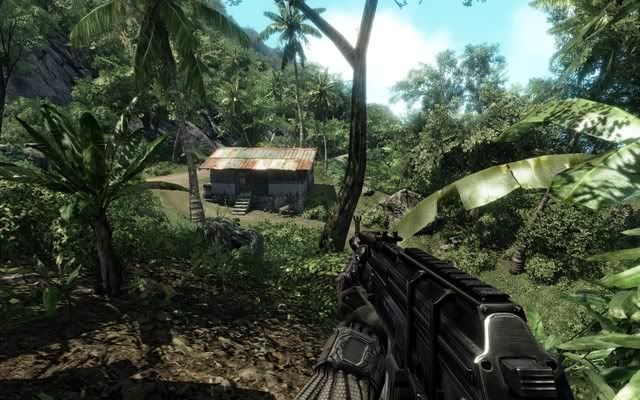
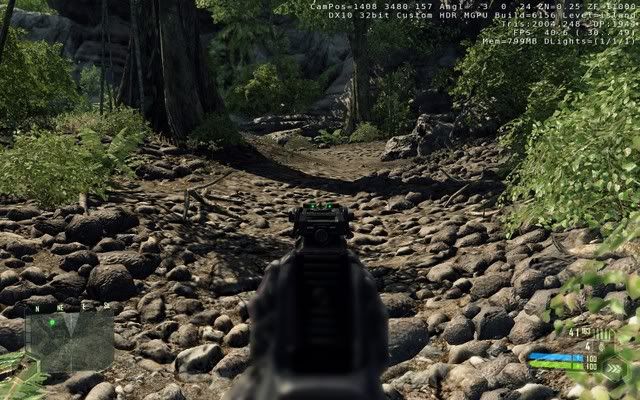
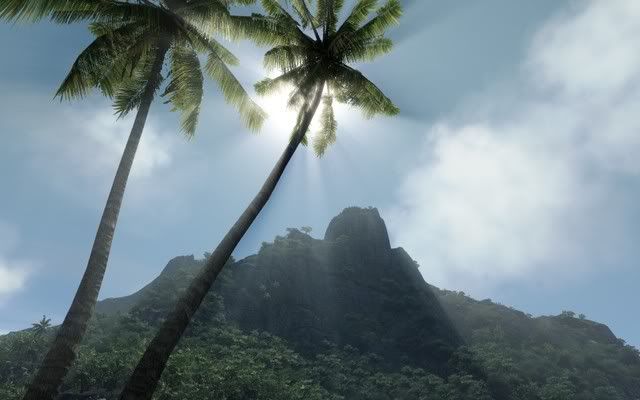
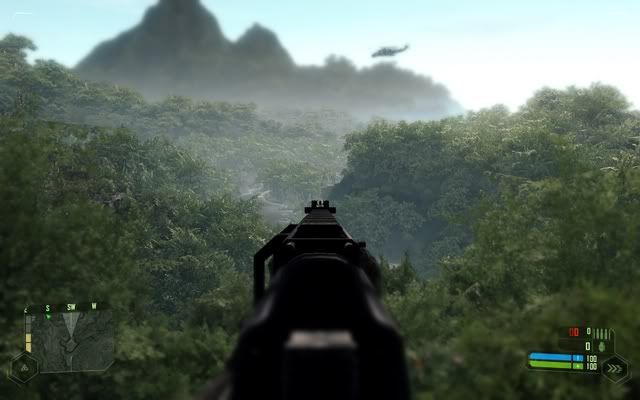
These are some editor shots no AA or AF was used.
================================================



============================================================
============================================================
This config is only for people that want to go above very high,
with smooth & consistent frame rates...
Minimum specs is a 8800GT & a very fast cpu.
*** Features ***
-----------------
* Increased lod distances on terrain, vegetation, sprites & shadows.
* Increased water reflections distance and quality & tweaked the update
distances.
* Increase battle dust range in meters.
* Tweaked shadows & ssAO varibles for best visual lighting.
* Solved many artifacts with lod & shadows with vanilla settings.
(ie; screen flickering, terrain, water, and shadows updating)
* Optimize particles & physics.
* Added "sys_spec_Full=4" to force all other cmds to veryhigh.
* Better detailed mountains and surface terrain.
* Better shadows & post processing effects.
* Better HDR effects over vanilla default settings.
* Better water reflections and update distances.
===============================================
*** Tweaks ***
----------------
If you have trouble running the config try the following tweaks...
These tweaks should give about 5-fps gain or more especially near water.
"r_WaterReflectionsMinVisiblePixelsUpdate=3" change to 0.05
"r_WaterUpdateDistance=-1" change to 0.2
"e_view_dist_ratio=100" lower this value like 50
"e_shadows_cast_view_dist_ratio=0.7" lower this to like 0.5
*** Please ensure that your playing in fullscreen mode, as performance
can be cut in half by playing crysis in a window mode.
*** Always defrag after installing crysis and other large programs.
*** Make sure to use the latest drivers for your hardware.
=========================================================
*** Note ***
-------------
Before playing online with this autoexec, you must first change the cmd-
"e_detail_materials_view_dist_xy=4096" to 2048, to avoid punkbuster kick.
________________________________________________________________________
________________________________________________________________________
**Installation for vista**
1.) Extract .rar file with winrar/winzip.
2.) Place the "autoexec.cfg" file into your; "\Program Files\Electronic
Arts/Crytek/Crysis/Game" folder.
3.) When inside game hit ~ key if you see my art it loaded successfully.
_______________________________________________________________________
_______________________________________________________________________
**Installation for xp**
1.) Extract .rar file with winrar/winzip.
2.) Replace the "CVarGroups" folder into your; \Program Files
\Electronic Arts\Crytek\Crysis\Game\Config folder" (backup the
original),fyi there is a copy of it on your crysis disc.
3.) Go inside game and set all graphics to high, and exit game.
*I think "sys_spec_Full=3" command will already do this for you,
I've not tested it on xp though.
4.) Place the "autoexec.cfg" file into your; "\Program Files\Electronic
Arts/Crytek/Crysis/Game" folder.
=======================================================================
If you use my config in a mod please credit me, thanks.
I like to thank Crytek for making this awesome game.
Special thanks to Koroush Ghazi over at tweakguides & to MADBoris for
his guide on the cvars...
================================================================
Config & Art Made by; Jmanrob
Extreme Quality v 1.2
Crysis Extreme Quality


